Send your footage.Say what you want.Get the video back.
auto is a video editor you talk to. It plans the edit as a free storyboard of your own frames, makes the video once you approve it, revises it from your voice notes, and learns your taste as it goes.
Already have an account? Sign in
- Free storyboard with just an email
- Pay only for finished videos
- Learns your taste, note by note
- English, 繁中, 简中
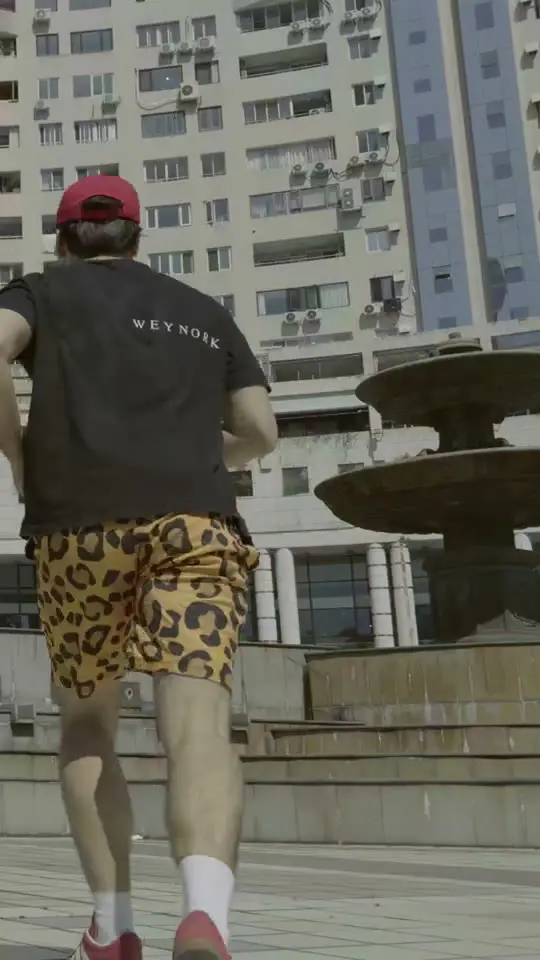
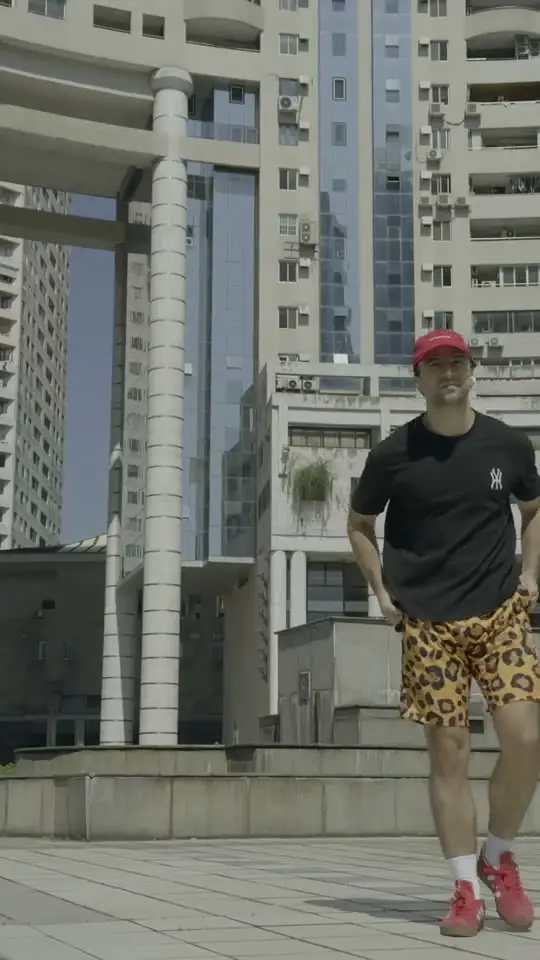
How it works
Six steps. You only pay at step four, and only if you like the plan.
Step 1 of 6
Drop your footage
Upload clips from your phone or paste a Google Drive link. Add a few videos you like as references: uploads or links from TikTok, Instagram, YouTube, Xiaohongshu or Bilibili.
Step 2 of 6
Say what you want
Type it or send a voice note: who it’s for, how long, what to open on, what to leave out. The editor asks a question or two if something isn’t clear.
Step 3 of 6
Get a free storyboard
A contact sheet of real frames from your footage, with designed stills for titles and cards, and the timing, captions and sound for every shot. Change anything before you pay.
Step 4 of 6
Make it · from 100 credits
The editor cuts the video, times captions to the voice, builds the titles and graphics, mixes the sound and checks its own work before sending it to you.
Step 5 of 6
Review with voice notes
Tap the moment and say what’s wrong. Every note is pinned to its second, and notes that should hold for every video become rules for your channel. Every video includes 3 revision rounds.
Step 6 of 6
Download it
Download the finished video, with a caption drafted for each platform you post on.
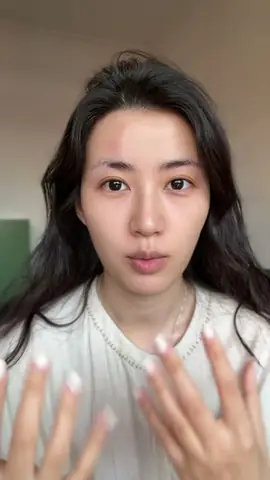
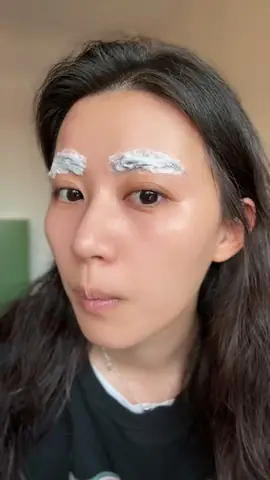
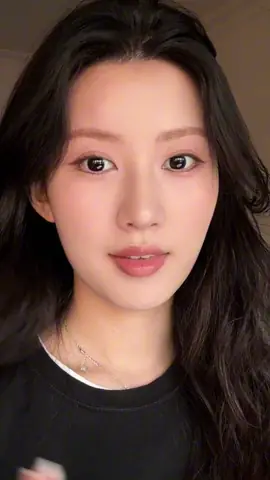
Same footage, five edits
Pick a look. The storyboard, captions, pacing and sound plan change; the footage stays the same. Your channel’s look comes from your references and your notes.
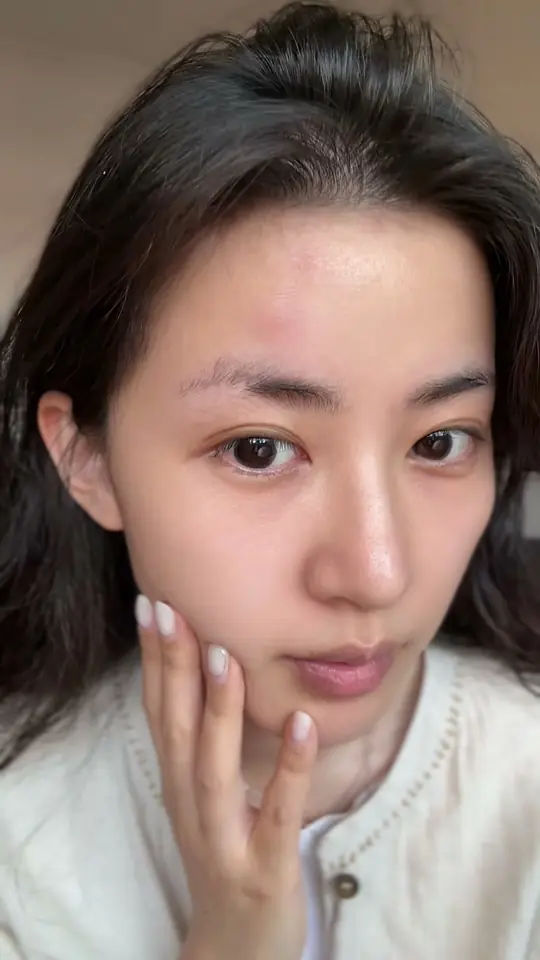
Looks
Example- Sound
- No music. Room tone, and a soft chime on the reveal.
- Pace
- Slow: 3–4 s per shot
- Captions
- Small lowercase, bottom centre
- Length
- 45 s
Storyboard
my brows, before
a little at a time
lighter already
soft and done
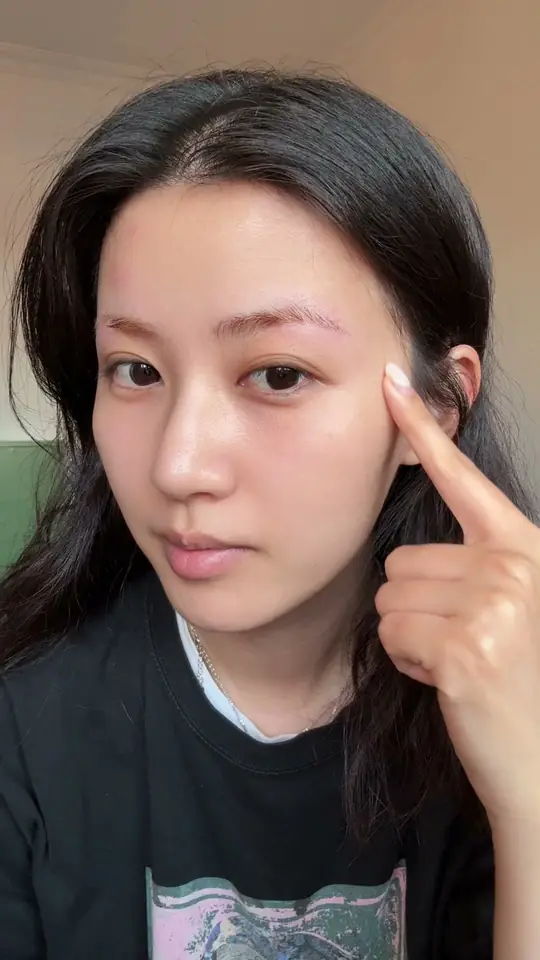
Frames from a real Xiaohongshu video, used with the creator’s permission. The looks are previews of what each style changes.
Every note teaches it your taste
Leave a note on the exact second, by voice or text. The editor fixes it in the next version. Notes that should hold for every video become rules for your channel, so you don’t have to give the same note twice.
 Version 2 · 1:00
- 0:12
You
No music, I add it in the app. Just a sound effect on the key moments.
Editor: Took the music out. Soft sound effects on the reveal and on each step.
Saved as a rule for this channel
- 0:46
You · Voice note
“Don’t keep the shot where only half the brow is wiped. Keep the one with the whole brow.”
Editor: Cut the half-wiped shot. The reveal now starts on the full brow.
- 0:55
You · Voice note
“The ending feels dated. Just a few of the prettiest shots.”
Editor: The ending is now four shots of the finished look, about 5 s.
Saved as a rule for this channel
- Version 2 sent · 2 revision rounds left
Rules for this channel
4 rulesExample- No music. You add your own in the app.From your note at 0:12
- Sound effects only on the key moments.From your note at 0:12
- End on a few shots of the finished look.From your note at 0:55
- No pop-up photos over your face while you talk.From a note on an earlier video
The next video starts with these rules. You can edit or switch off any of them.
Credits
Storyboards are free. You spend credits when you want the video made.
Editing, captions and voiceovers are included. Nothing to set up.
Bring your own API keys: coming soon
Monthly plans
Creator
500 credits a month · About 5 short videos a month
$5.80 per short video · Save 35%
10 free storyboards a day
$29 a month
- Best value
Studio
1,500 credits a month · About 15 short videos a month
$5.27 per short video · Save 41%
10 free storyboards a day
$79 a month
One-off packs
100 credits
1 short video
$9
500 credits
About 5 short videos
$39
$7.80 per short videoSave 13%
1,200 credits
About 12 short videos
$79
$6.58 per short videoSave 26%
- Best value
3,000 credits
About 30 short videos
$179
$5.97 per short videoSave 33%
- Credits are spent once, when a video is made, by the length its storyboard plans:Up to 60 s: 100 creditsUp to 3 min: 200 creditsUp to 10 min: 400 credits
- Every video comes with 3 revision rounds. One more round is 25 credits
- Storyboards are free (3 a day)
- If making the video fails, the credits come back automatically
Credits never expire. You can cancel a plan any time from your account.
The storyboard is free. You buy credits when you want the video made.
Questions
- Is this AI-generated video?
- No. The video is your footage, cut and graded, with titles and graphics made in code. AI plans the edit, writes the captions, makes voiceovers if you ask for them, and makes a still image only when nothing in your footage fits. When it does, the storyboard says so.
- Does it learn my style?
- Yes, per channel. Notes that should hold for every video become rules, like “no music” or “end on the finished look”. You can see, edit and switch off every rule.
- What’s behind it?
- The editor runs on Claude Opus 5.5, an AI model made by Anthropic, together with auto’s own editing playbook, ElevenLabs voices, and checks on every finished video before you get it. auto is an independent product; Anthropic doesn’t make or endorse it.
- Who owns the videos?
- You do. Your footage and the finished videos are yours to post anywhere. We only show a video on this site if you say yes.
- Which languages?
- The app is in English, Traditional Chinese and Simplified Chinese. Talk to the editor in your language and it answers in the same one. Captions and voiceovers can be in other languages too.
- Which platforms?
- Vertical 9:16 for Xiaohongshu, Instagram Reels, TikTok and YouTube Shorts, plus 4:5, 1:1 and 16:9. Captions are drafted for each platform.
- How long does it take?
- A storyboard usually takes a few minutes. A finished video takes longer because the editor checks its own work; longer pieces can take up to an hour. You can close the tab while it works.
- What happens to my footage?
- It’s stored on our server and only used to make your videos. To plan and write, the editor sends frames, transcripts and your notes to the AI services we use (Anthropic; OpenAI for stills; ElevenLabs for voices and transcripts). Ask us and we delete your footage and videos.
- Can I use my own API keys?
- Not yet. It’s coming soon. For now, everything is included in the credit price.
- What if a video fails or I don’t like it?
- If making a paid video fails or ends without a video, the credits come back automatically. If you don’t like the result, use your revision rounds; if it still isn’t right, message us.
Try it on your own footage.
All you need is an email. The storyboard is free; you pay only when you want the video made.